

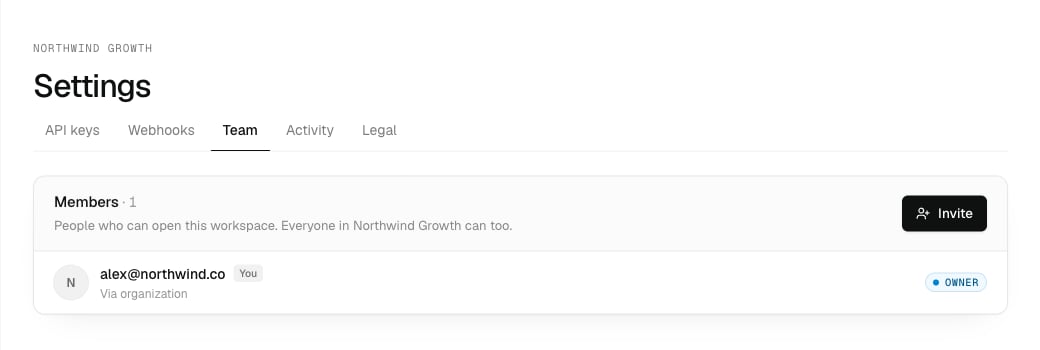
Settings → Team in a workspace. Via organization means the person comes from the organization.
Organization and workspace users
If your organization has workspaces, people come in two kinds:- Organization users are members of the organization. They open every workspace, with the same role they have in the organization, and they get new workspaces automatically. Add or remove them under Users in the organization.
- Workspace users are invited to one workspace. They only see that workspace: never the organization, its other workspaces or its billing. Add or remove them from the workspace (Workspaces → the workspace → Members, or Settings → Team inside the workspace).
Roles
In a workspace, its workspace users who are owners can invite and remove its workspace users. Organization users can do that in any of the organization’s workspaces.
An organization always keeps at least one owner: the last owner can’t be removed or made a member.
Invites
Invite people from Users in the organization (or Settings → Team in a workspace), or with an admin key throughPOST /api/v1/team/invites:
- works once, then stops working;
- expires after 14 days;
- can be revoked any time before it’s used (
DELETE /api/v1/team/invites/{id}).
email on an invite is a note for you; whoever opens the link joins.
Invite someone to one workspace
With an admin key of the organization (or of that workspace):
Organization users can’t be changed through these: use
/api/v1/team on the organization.